Creating an account on BTSE
You can create a BTSE account using your email address, mobile number, or Google/Apple account.
Before you begin
You must be located in a supported country
You must agree to BTSE’s Terms of Use and Provision of Services
Step 1: Go to the registration page
From the BTSE homepage, click Register
Or go directly to the registration page
Step 2: Choose how you want to sign up
You can create your account using one of the following methods:
Sign up with your email address
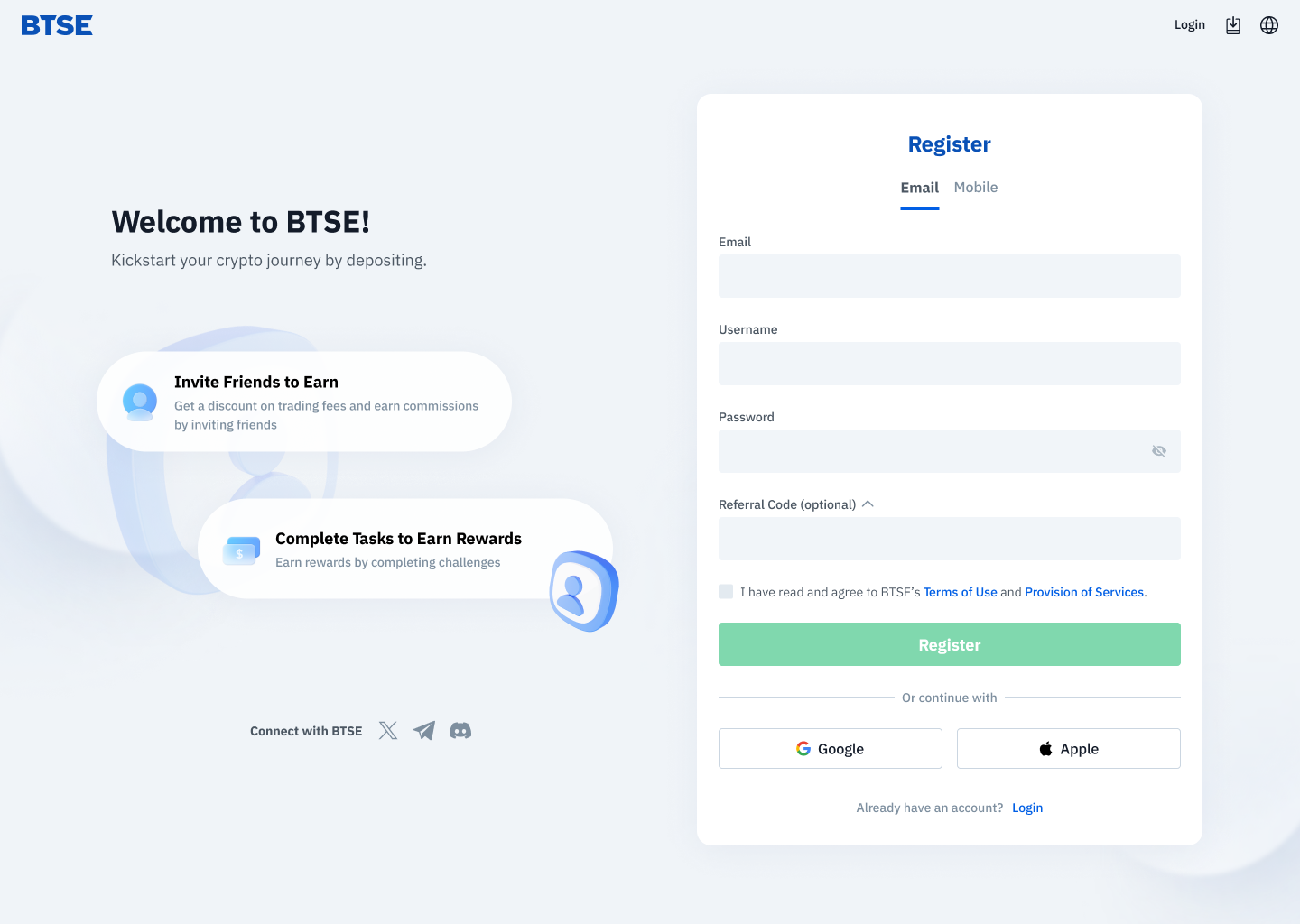
Enter your:
Email address
Username
Password
Click Register
Check your email inbox
Click the verification link to confirm your account
Sign up with your mobile number
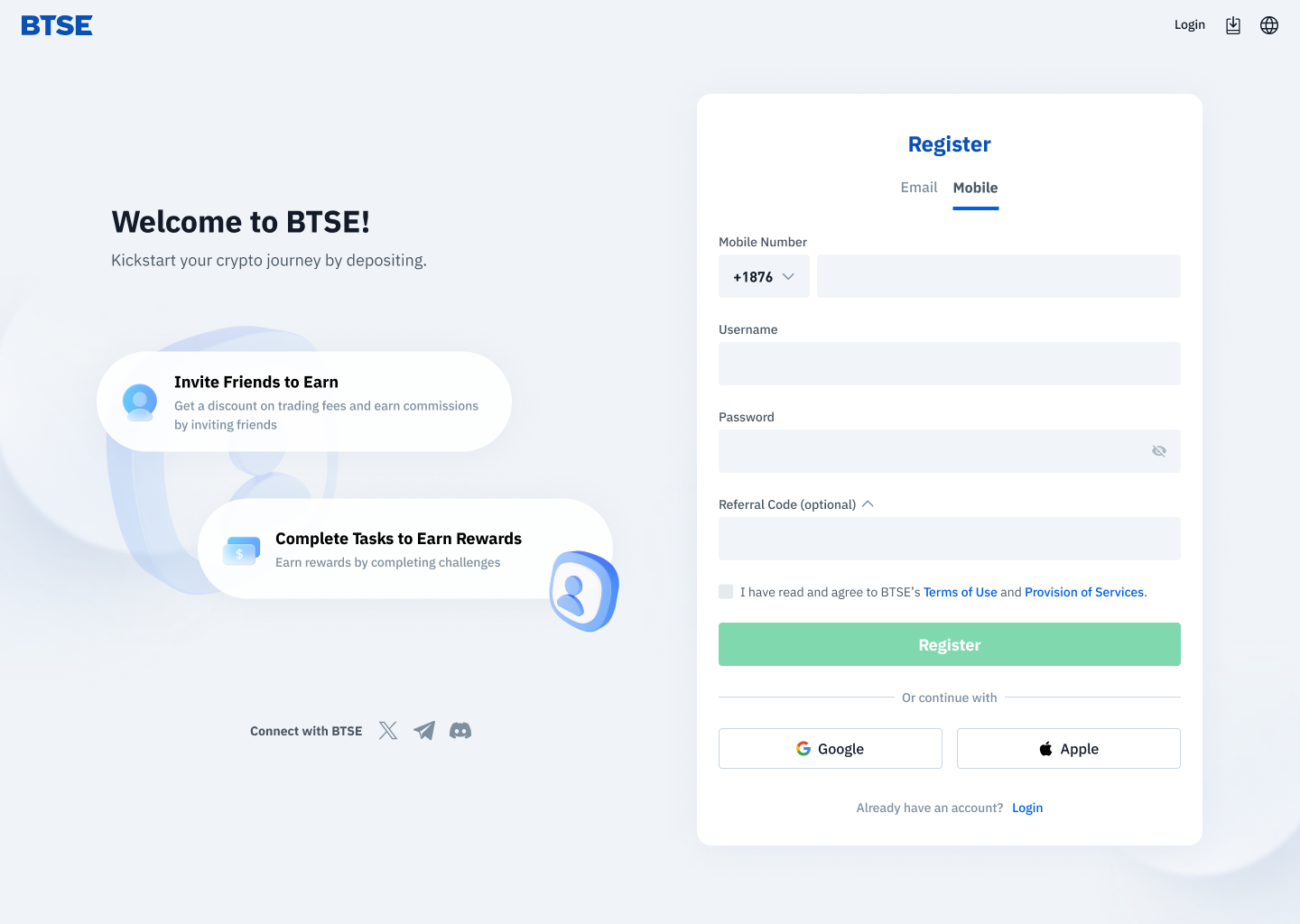
Enter your:
Mobile number
Username
Password
Click Register
Enter the SMS verification code sent to your phone
Sign up with Google or Apple
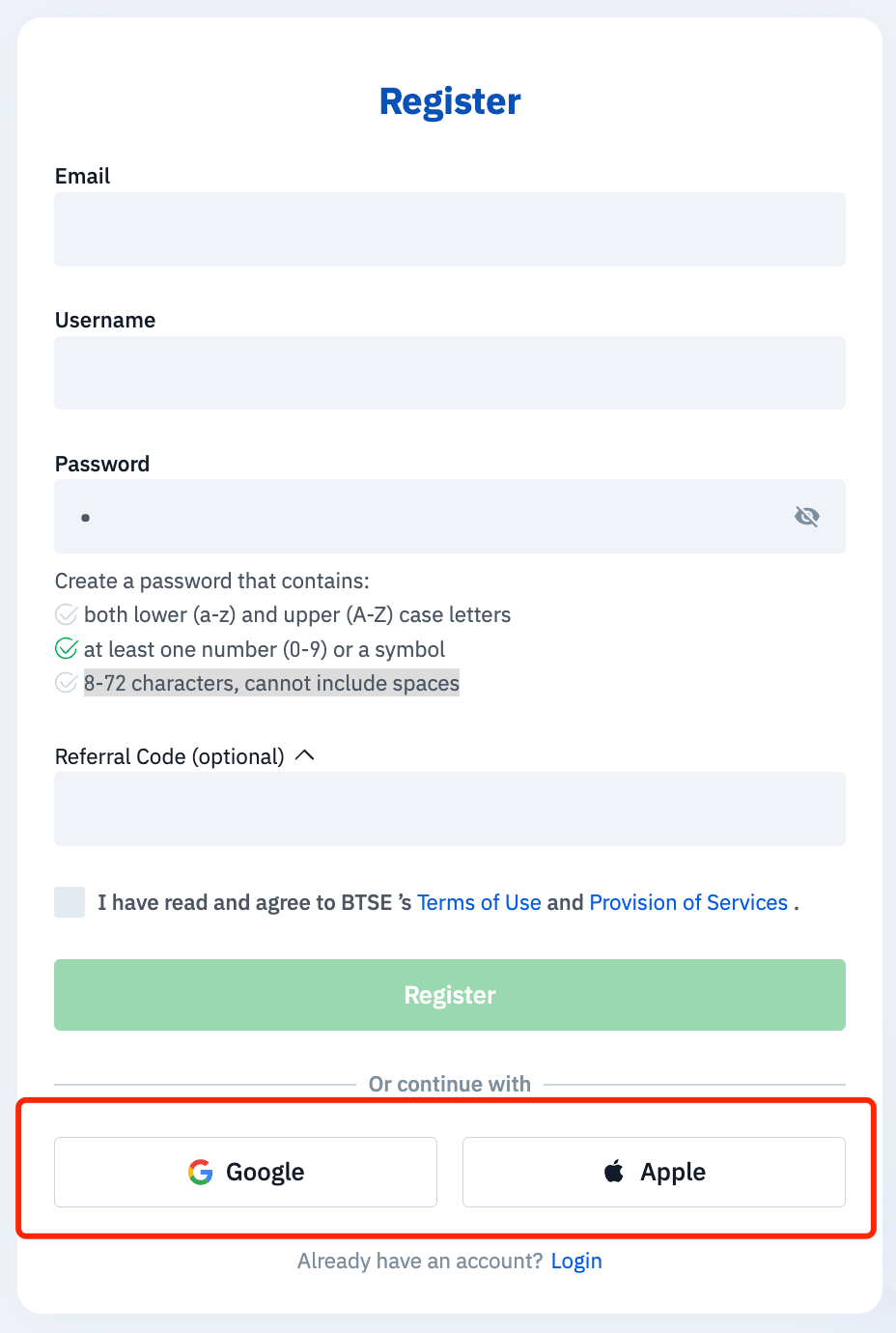
Click Continue with Google or Continue with Apple
Choose one of the following:
Create a new BTSE account
Link to an existing BTSE account
Complete the required fields
Click Register
Password requirements
Your password must:
Be 8–72 characters long
Include both uppercase (A–Z) and lowercase (a–z) letters
Include at least one number or symbol
Not contain spaces
Optional: Add a referral code
If you have a referral or event code, select Referral Code and enter it during registration
What happens next
Once your account is created, you can log in to BTSE
To access full features (such as trading and withdrawals), you will need to complete identity verification

