UPI (Unified Payments Interface) is an instant payment system developed by the National Payments Corporation of India (NPCI). It lets you transfer money directly from your Indian bank account in seconds — no card details needed. On BTSE, you can use UPI as a payment method for Express Buy.
UPI is available to users with a verified Indian phone number only.
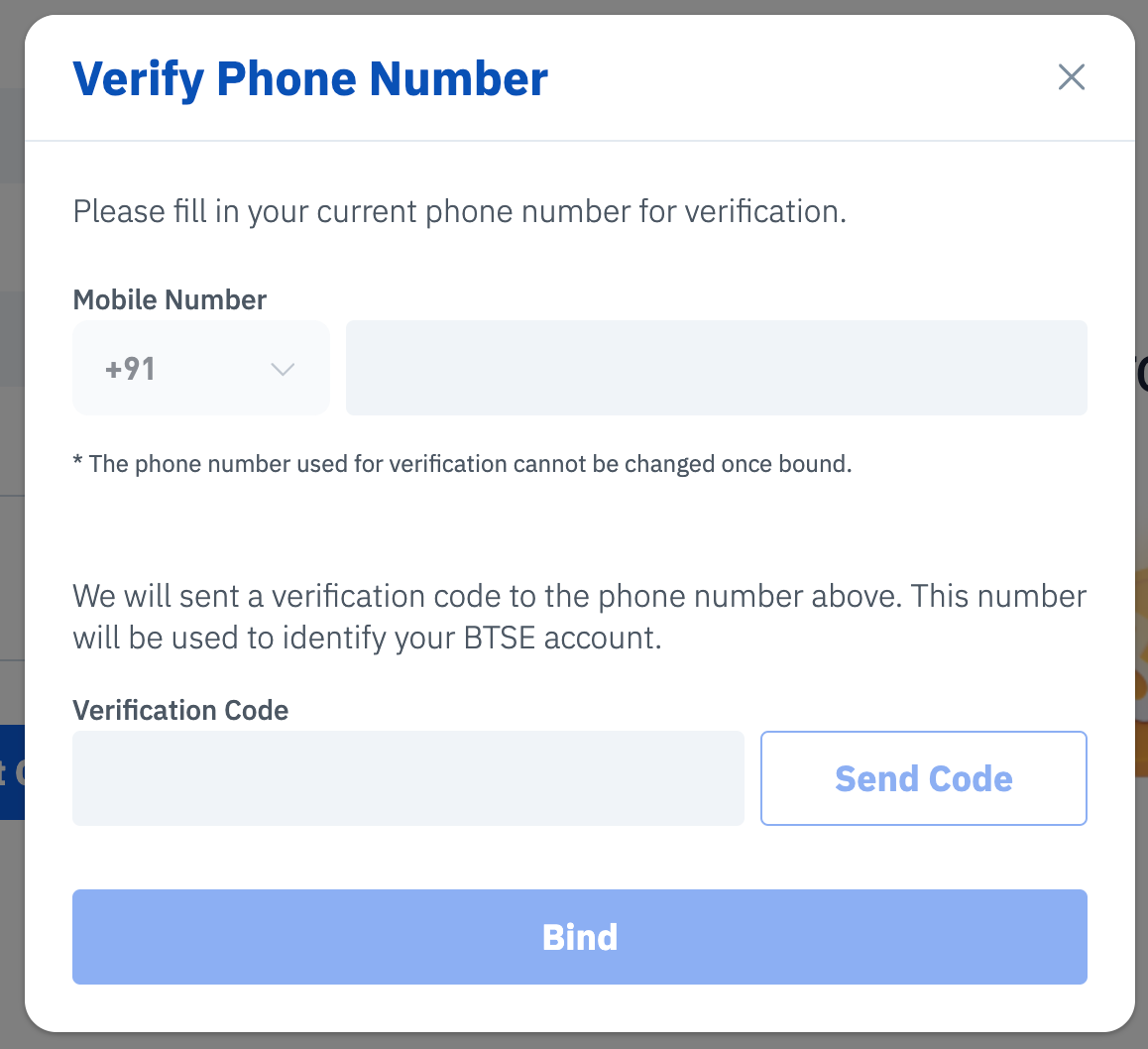
Step 1 — Verify your Indian phone number
Before you can use UPI on BTSE, you'll need to link and verify an Indian phone number on your account. Head to your Account Settings and complete the phone verification process.
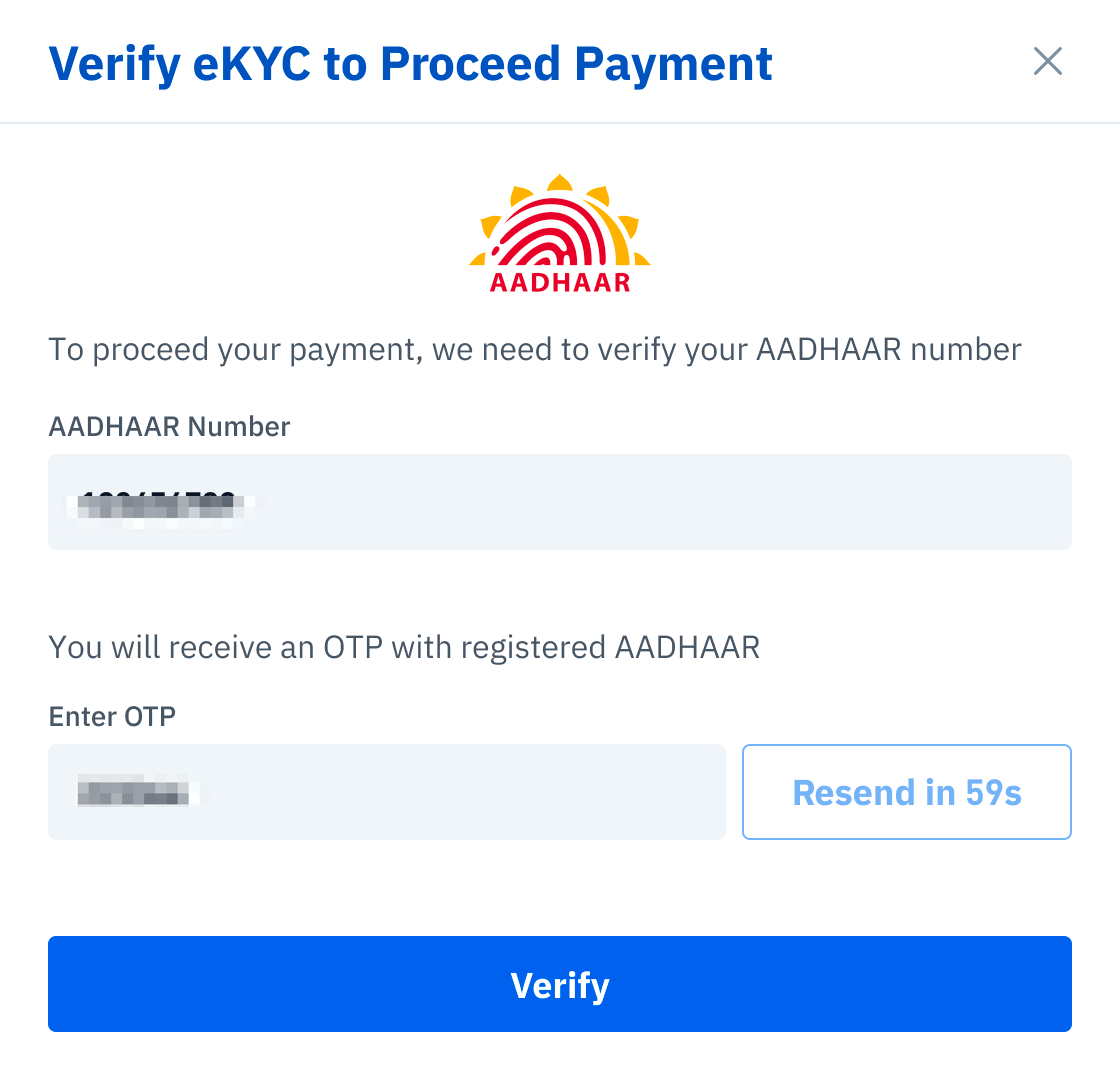
Step 2 — Complete AADHAAR eKYC Verification
For your security, BTSE requires an additional AADHAAR eKYC check for UPI users. Here's what to keep in mind:
- The name on your Aadhaar must exactly match the legal name on your BTSE KYC documents
- The UPI ID you use for purchases must also be registered under that same legal name
- Any mismatch may result in your transaction being declined
Step 3 — Select UPI at Express Buy
Once your phone number and AADHAAR eKYC are verified, UPI will appear as a payment option on the Express Buy page. Select it, enter your UPI ID, and follow the on-screen steps to complete your purchase.
Important: Make sure your Aadhaar details and UPI ID are consistent with your KYC name before making a transaction. This is the most common reason UPI payments are declined.

