How do I whitelist a withdrawal address?
Address whitelisting is a security feature that restricts withdrawals to pre-approved addresses only. To add a new address:
- Go to Account > Security
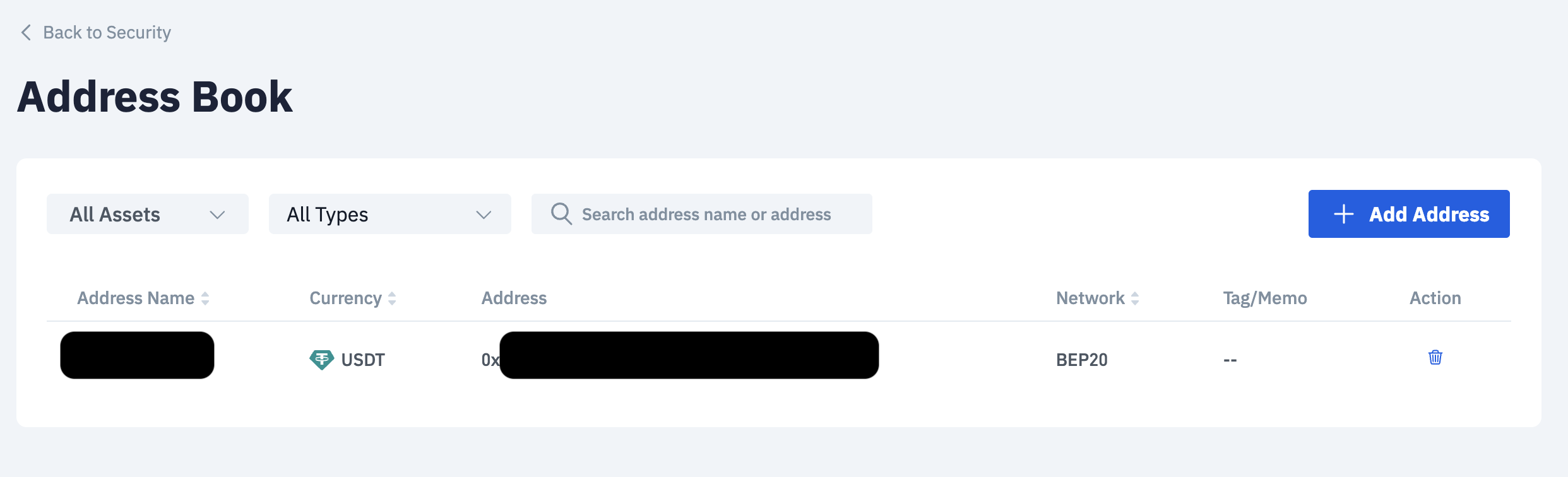
- Go to Crypto Withdrawal - Address Book and select Manage

- Select Add Address
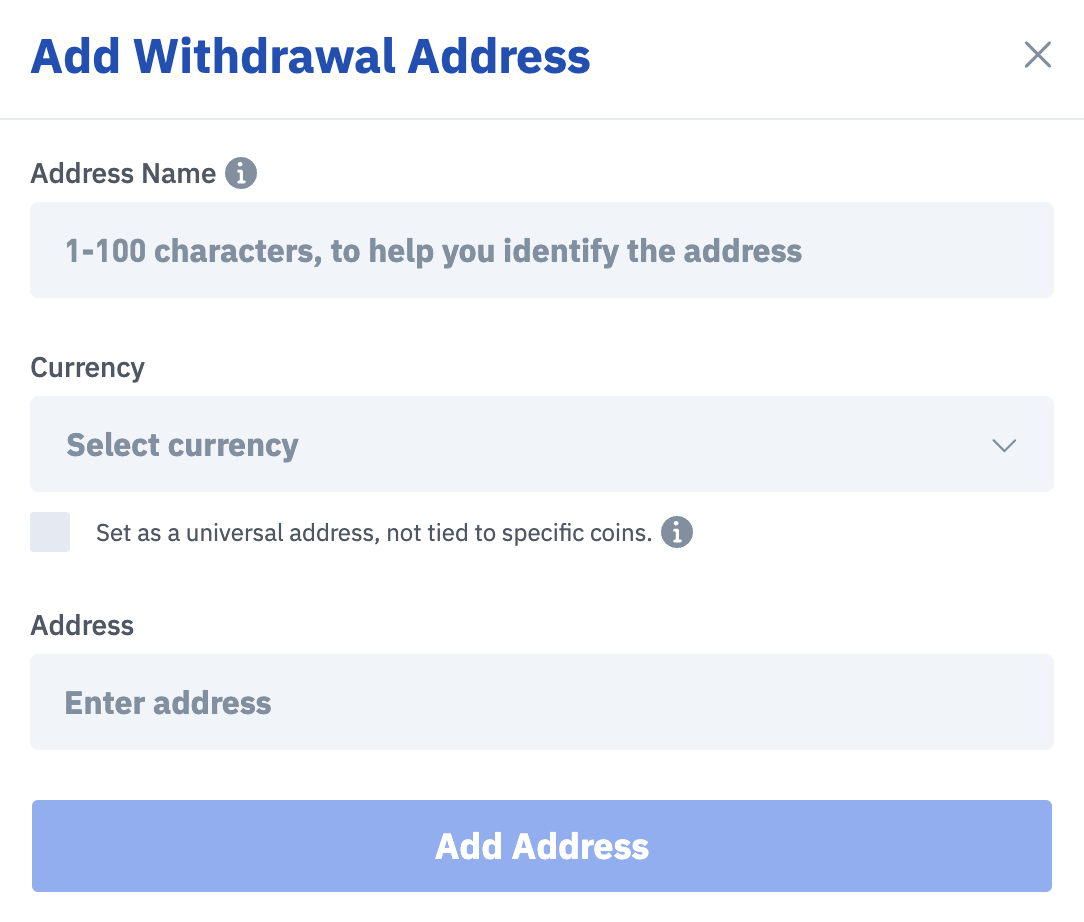
- Enter your Address Name, Asset and Address to whitelist your withdrawal address. Thereafter, select Add Address.
Note: We strongly recommend enabling address whitelisting to protect your account from unauthorised withdrawals.

